MartialMatch is affordable and easy to use tournament software for combat sport events.
To migrate an event to a federation, follow these steps:
- Log in to the admin panel.
- Go to the Manage your events section.
- In the Select a federation field, leave it empty or choose Show all.
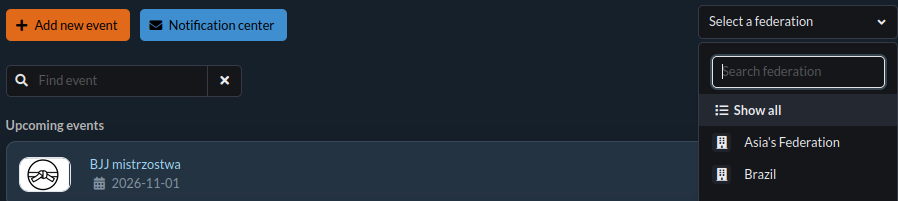
- For events not belonging to any federation, a Migrate to federation button will appear. Click it.

- Select the federation you want to migrate the event to and click OK.
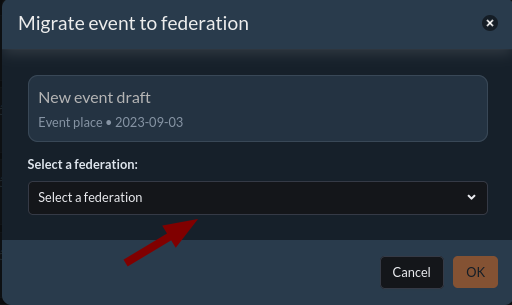
💡 Note: On the event management page, you can see all published, draft, and archived events you have created. All events you have access to can be assigned to a federation.