MartialMatch is affordable and easy to use tournament software for combat sport events.
Prepare diplomas and medals, gather competitors and invite them to the podium. In MartialMatch, you can check which categories are waiting for their awards ceremony and whether the medalists have arrived. Follow the steps below, from calling a category to marking it as awarded.
1. Prepare diplomas and call a category
Open Results in the event management panel. Find a finished category and prepare the diplomas and medals. Once the awards are ready, click Call to awards area next to the category.

2. Open the awards area and record attendance
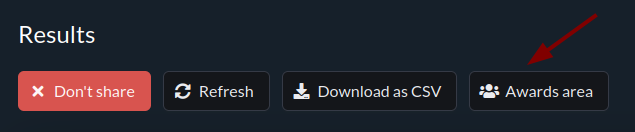
Click Awards area on the results page. You must call at least one category first, otherwise the screen will be empty.
Mark competitors who have arrived as Present. If you know a competitor will not attend the ceremony, mark them Absent. When everyone is there, you can use Mark all present. To correct an attendance status, click the appropriate status.

3. Check readiness for the ceremony
The Ready status appears once every medalist is marked present or absent. Check the absent count before inviting people to the podium. The current status also appears on the Results page.

4. Hand out awards and mark the category as awarded
Invite medalists to the podium and hand out medals and diplomas. Then click Mark as awarded on the Results page. The category leaves the awards area.
You can also mark a category as awarded without calling it or reaching Ready.

ℹ️ You can cancel a call with Cancel call. To undo a category marked as awarded by mistake, select Show awarded categories and click Undo next to the category.