MartialMatch is affordable and easy to use tournament software for combat sport events.
📝 User account registration
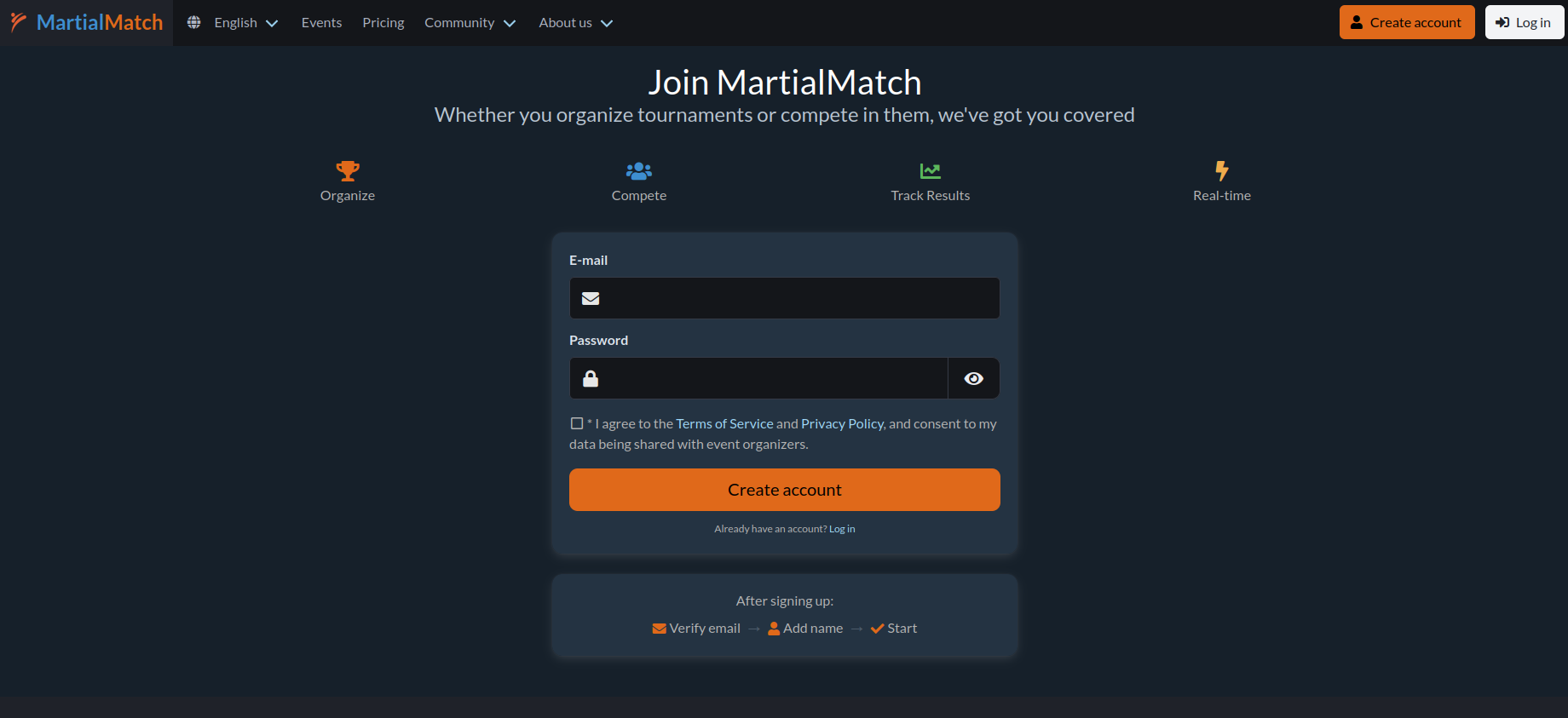
To register a competitor for an event in MartialMatch, you need a user account.
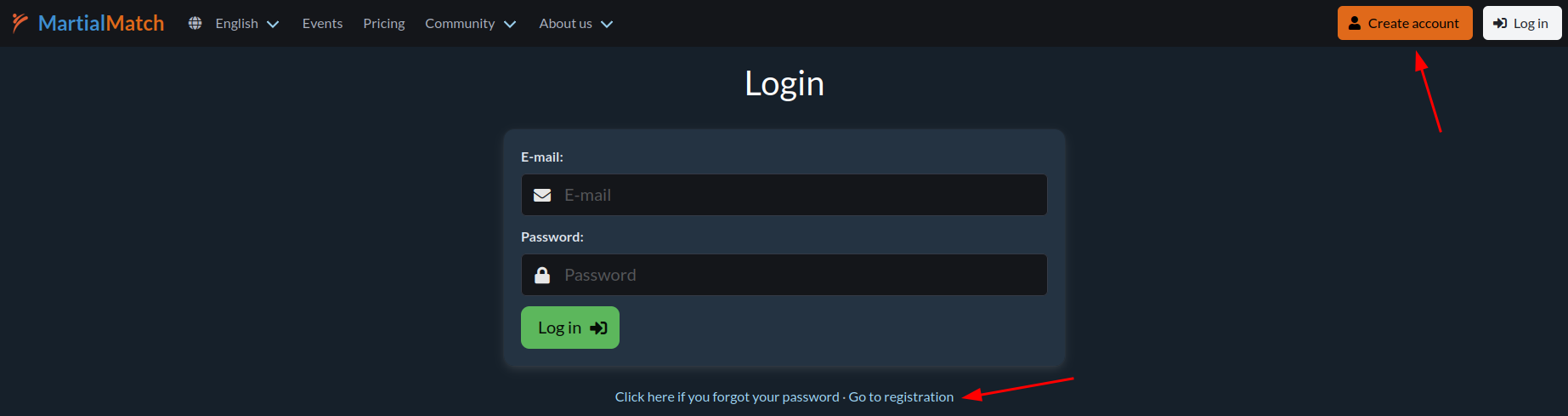
- On the home page, click Register in the top right menu, or click Go to registration on the login page.
- Fill in all fields in the registration form and accept the consent for personal data processing.
- Click the Create account button to confirm your registration.
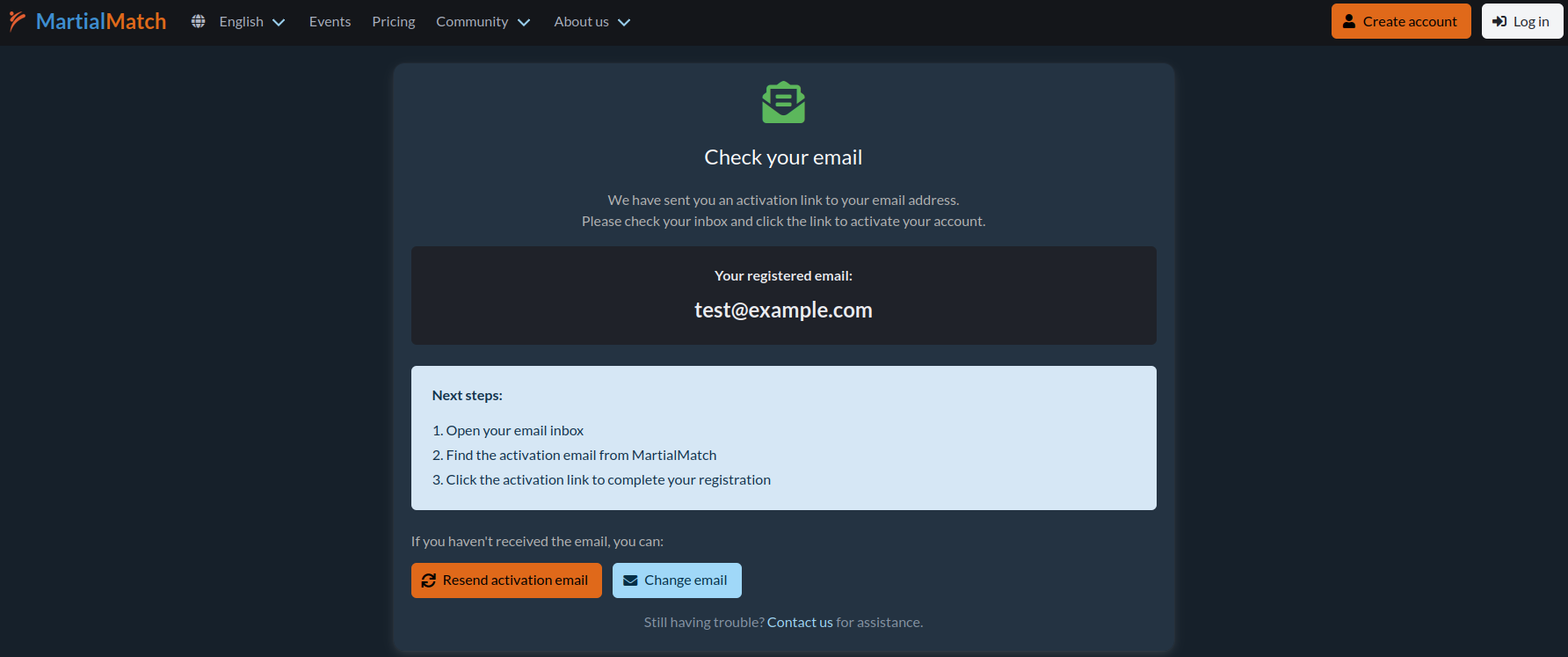
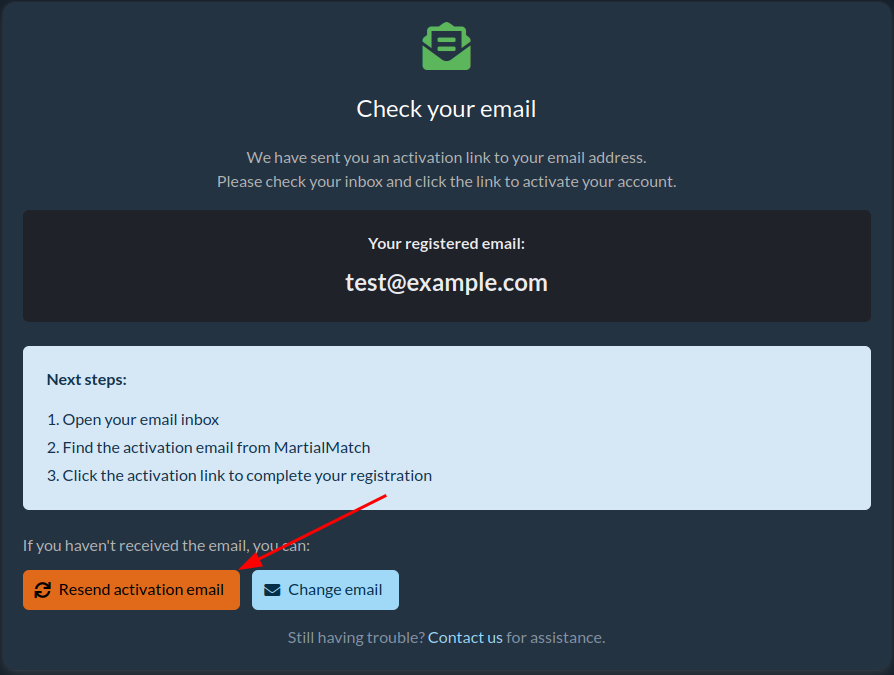
- Once submitted, you will receive a message stating that an activation email has been sent to your email address.
✉️ Account activation
To use the system and register competitors, you must activate your account.
- Check the email inbox you used during registration and find the activation confirmation email.
- Click the activation link (URL) provided in the email.
- You will be redirected to a page where you must provide your first and last name.
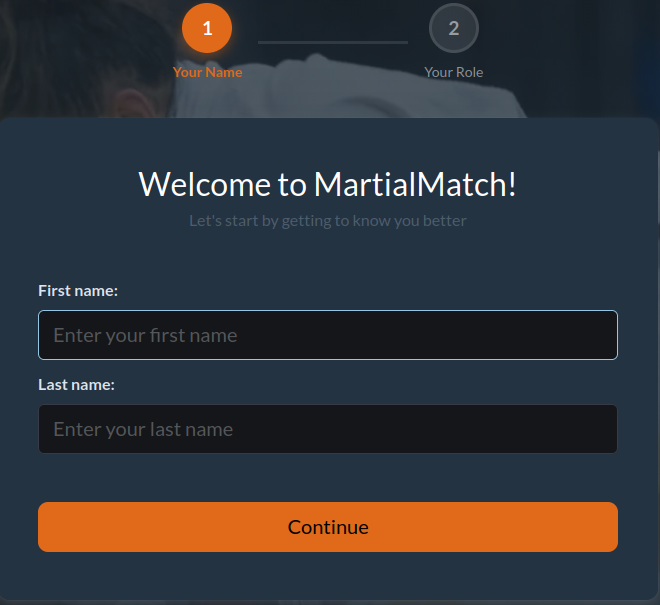
- Complete the form and click Continue.
ℹ️ If you do not see the email, please check your spam or junk folder. If it is still missing, you can request a new activation link by clicking Resend activation email on the login page. If you made a typo in your email address during registration, click Change email to update it.
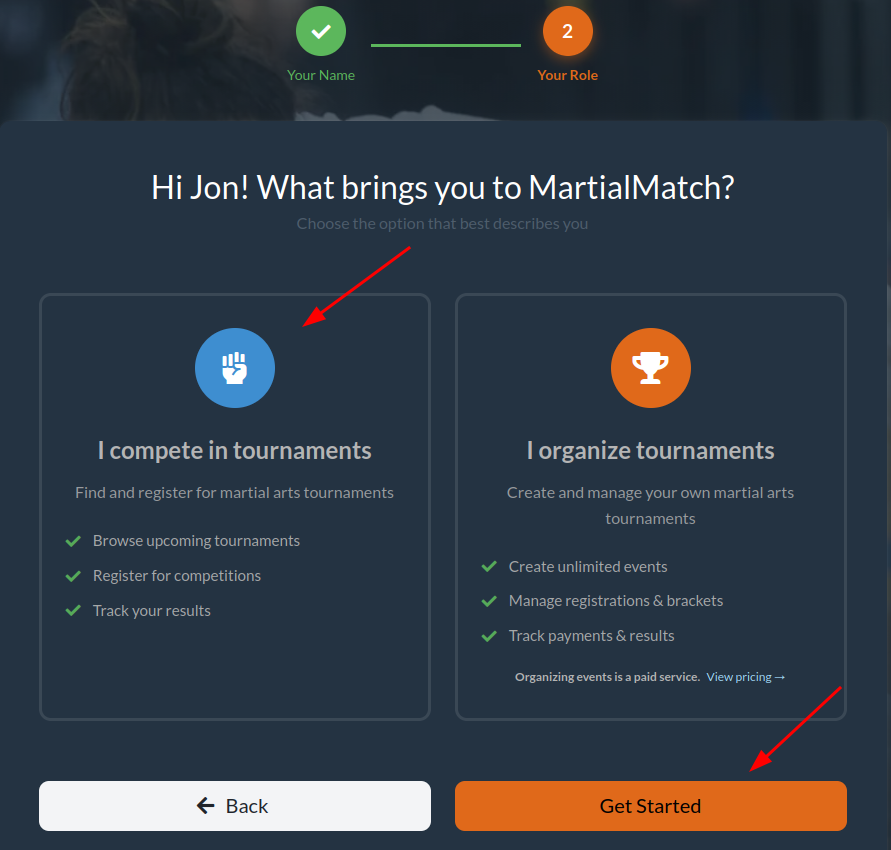
⭐ Choosing your role
After activating your account, you will be asked to choose your primary role in the system. Select I compete in tournaments and click Get Started.
🗂️ Managing your competitor database
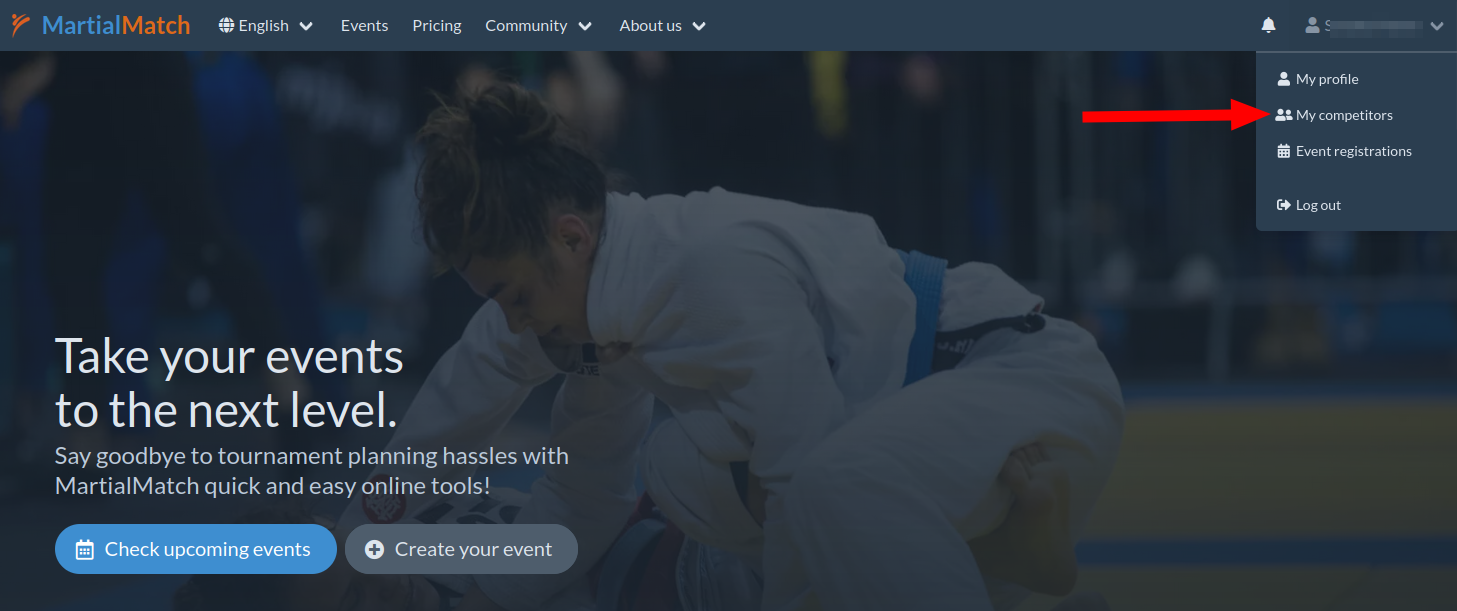
Before registering for an event, you must add competitors to your personal database.
- Once logged in, open the top right menu and select My competitors.
- Click the Add competitor button.
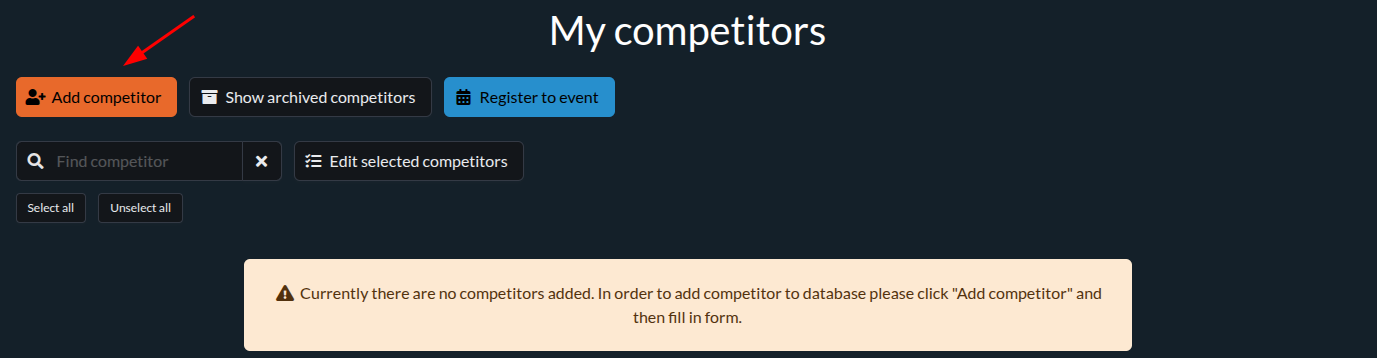
- Fill in the form with the competitor's first name, last name, birth year, nationality, and other required details. Click Save.
- You can add multiple competitors to your database if needed.
Now you are ready to register your competitors for upcoming events.
🏆 Registering for an event
To register competitors, click Event registrations in the top right menu.
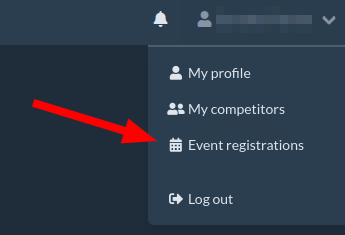
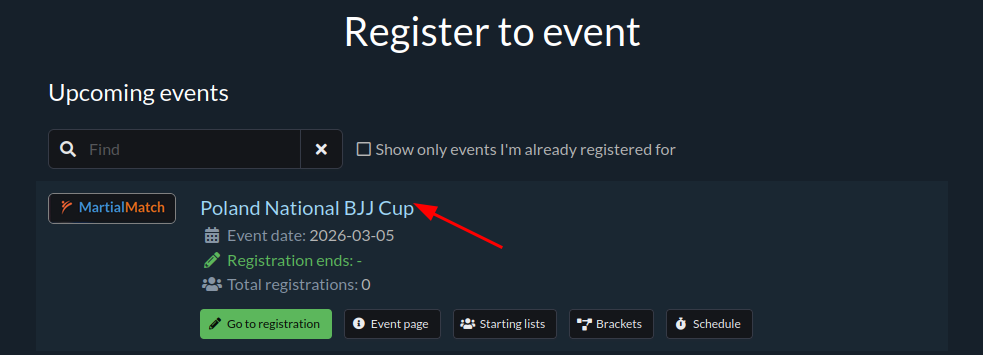
A list of available events will appear. Select an event by clicking its name.
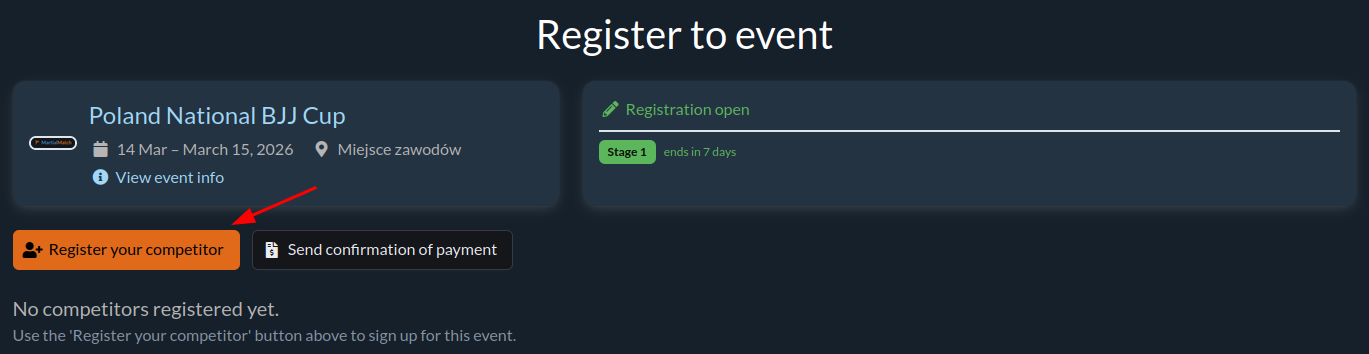
On the event page, click Register your competitor.
A window will appear listing the competitors in your database. Click Choose next to the competitor you want to register. Then, select the specific category they will compete in. You can also update the team if necessary.
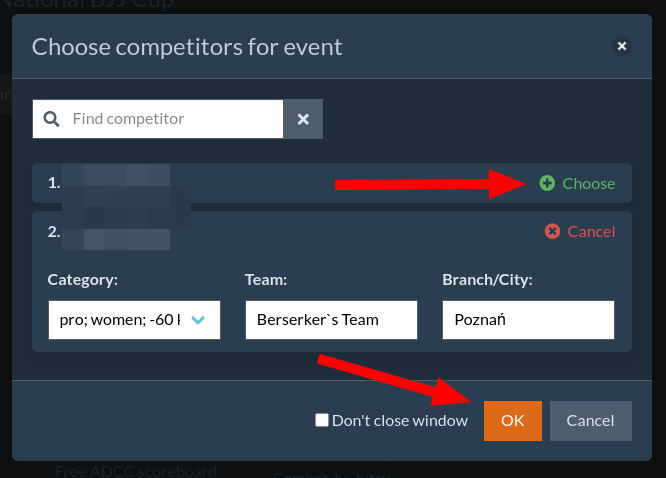
Confirm your registration by clicking OK.
Your competitors are now registered. You will see them in the registration table with their chosen categories. If enabled by the organizer, you can pay online or upload a payment confirmation (PDF) by clicking Send confirmation of payment.